
Candy Store Queue Design: Distinguish Joining, Waiting and Collection
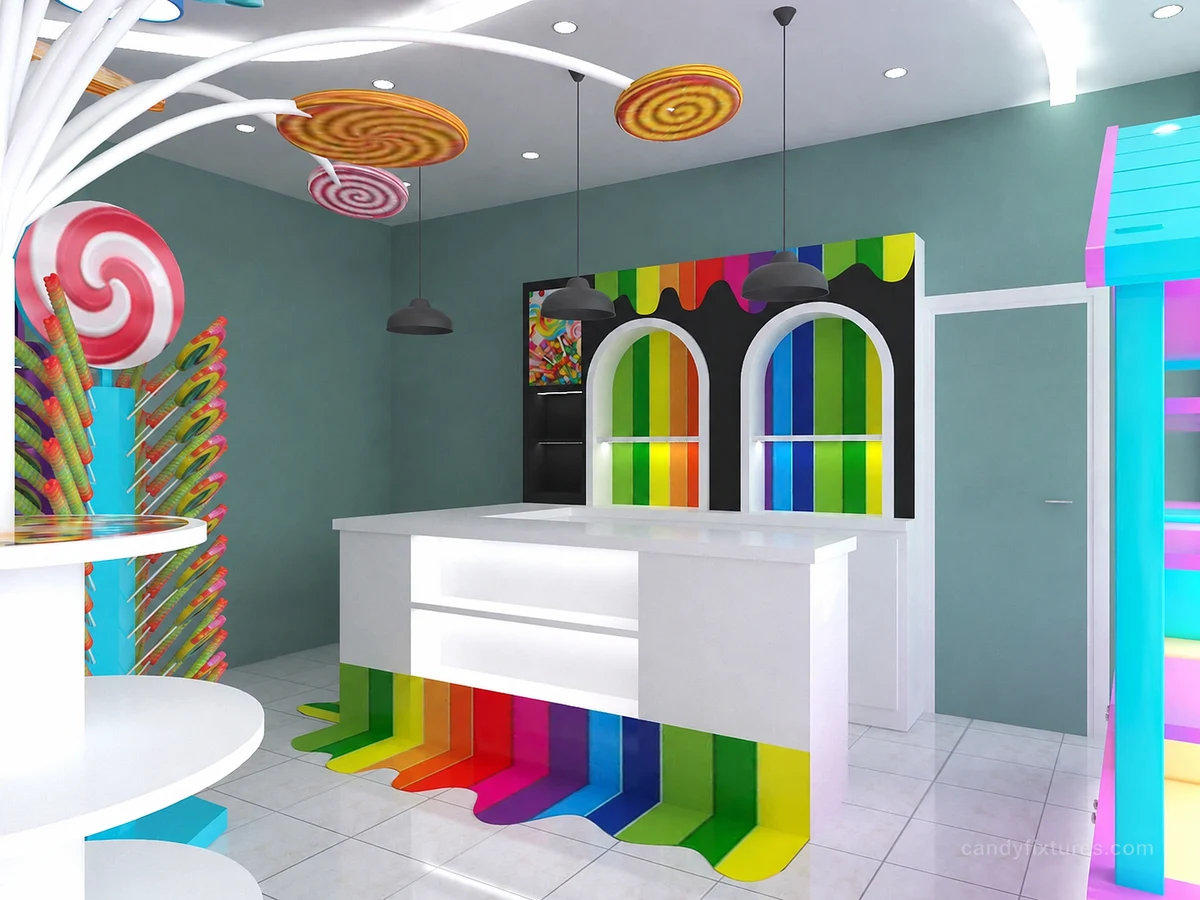
A queue becomes confusing when the customer cannot tell where to join or whether another person is waiting to collect an order.
Start with the decision
Mark the payment point and trace the approach from the entrance. Separate browsing space from waiting space and check the route with people carrying bags or accompanying children.
Work through the details
Place the joining sign where a new customer makes the decision. Keep finished-order collection away from the next customer's terminal access and avoid using promotional stands as accidental queue barriers.
A planning example
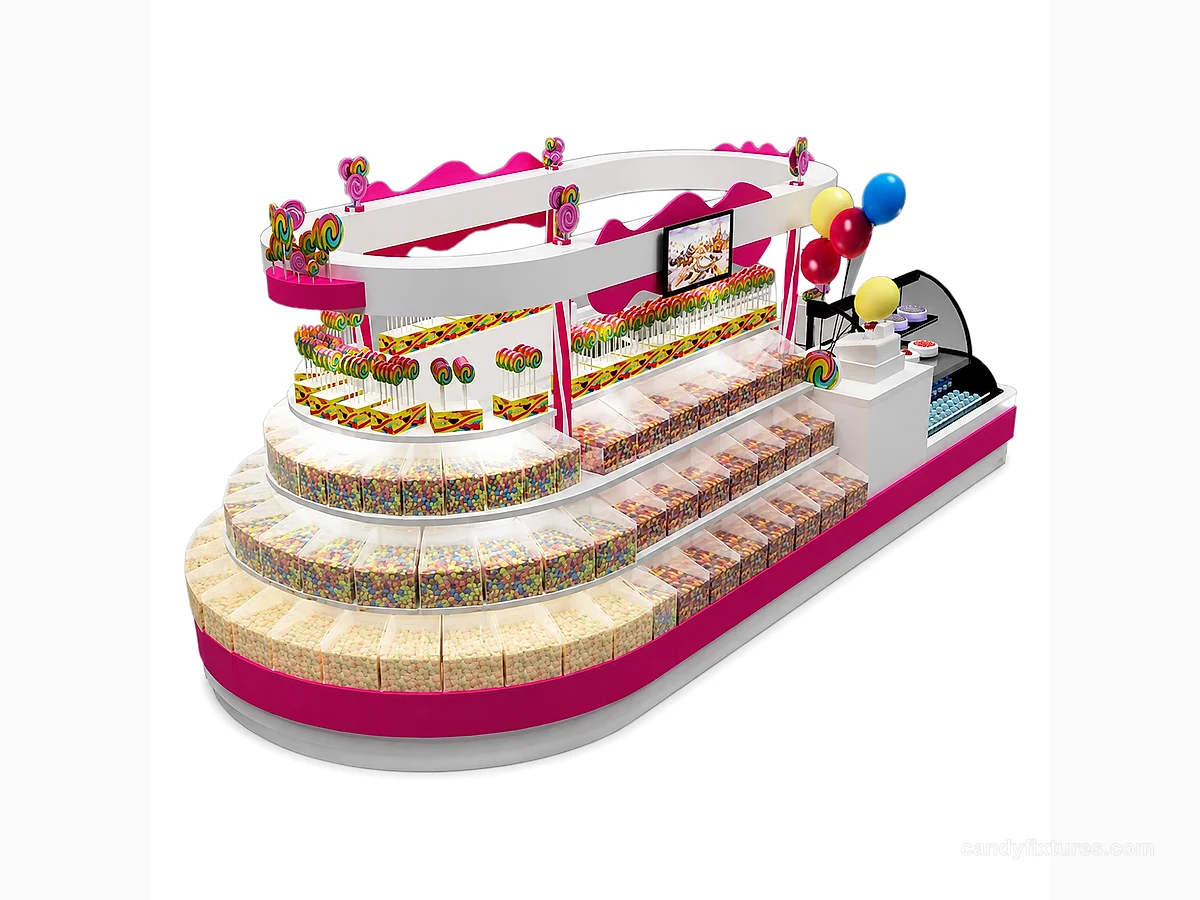
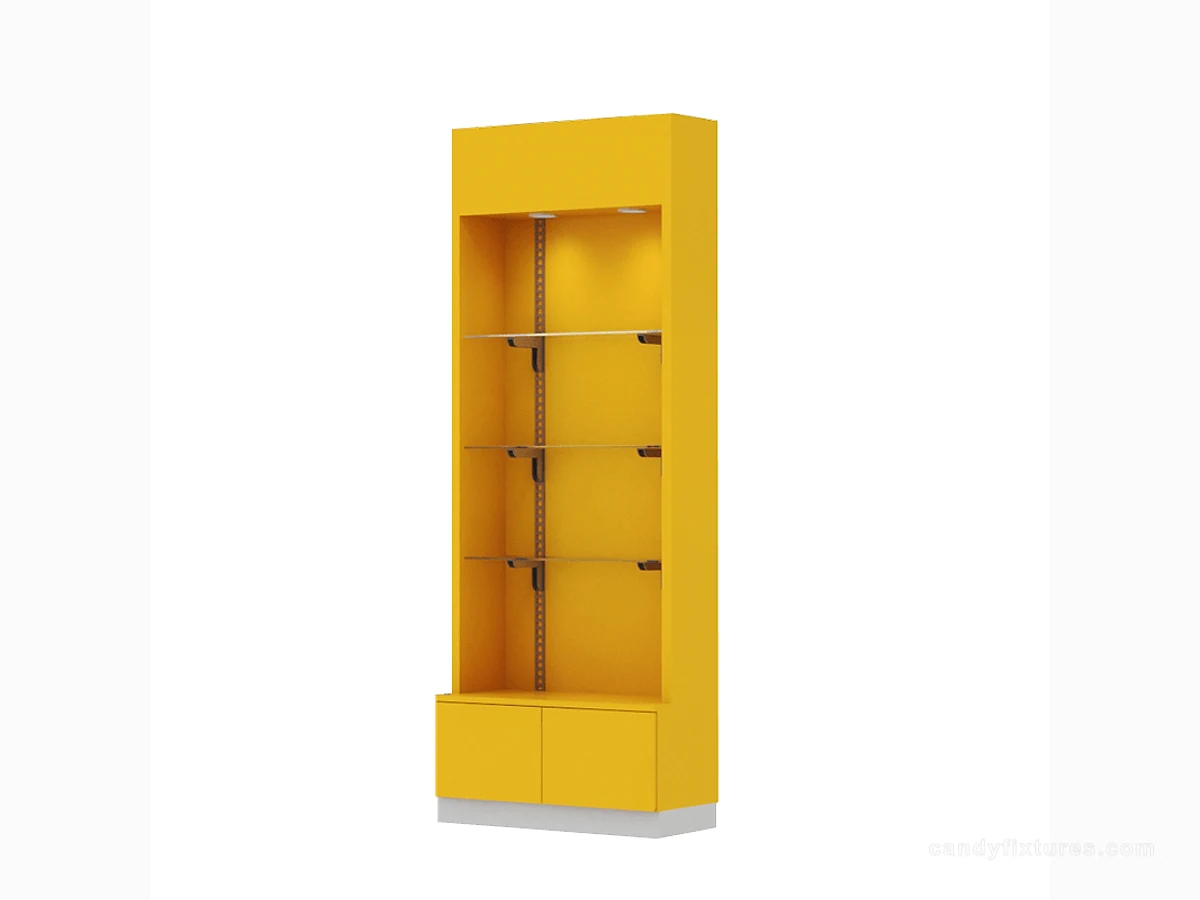
Customers buying packaged sweets and customers collecting desserts stand at the same counter. Mark the two tasks and observe whether collection can be directed to a separate handover point. A clearer sign and order routine may help before any permanent barrier or extra counter is added.
Check it in the shop
Trial several simultaneous tasks with staff before fixing barriers or adding a counter. Measure the occupied layout against the applicable access requirements and adjust the process when the assortment or service method changes.
Related products and planning pages
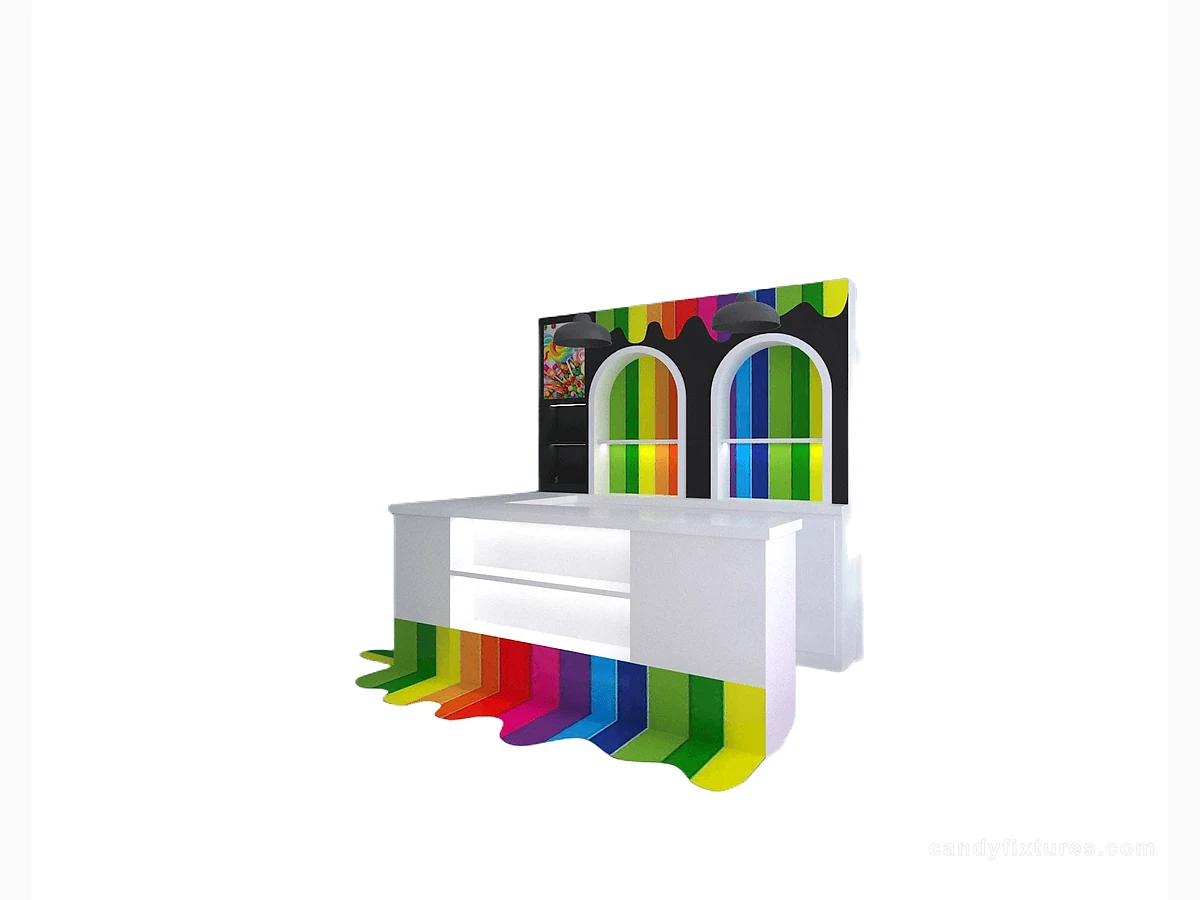 White L-Shaped Checkout CounterBoat Theme Candy and Ice Cream KioskYellow Shelf Cabinet with Clear Panels
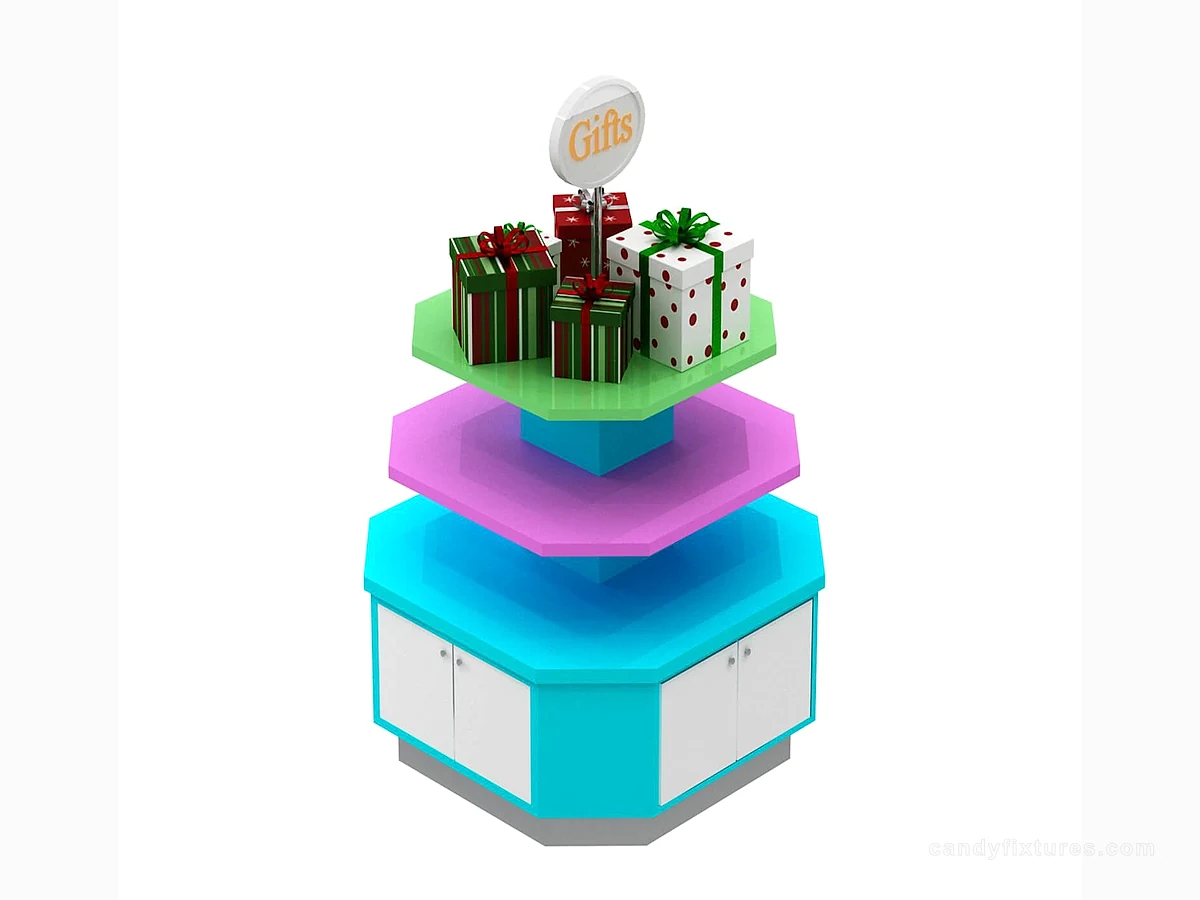 Layered Candy Gift Display with Base StorageCandy Display CountersCompare service-counter formats before finalizing the project brief.Candy Store Layout: How to Plan Customer Flow, Displays and Back-of-House SpaceContinue with the complementary planning guide.Candy Store Checkout Counter: Plan Payment, Packing and Impulse DisplaysContinue with the complementary planning guide.Candy Store Merchandising Ideas: Build Displays Shoppers Can UnderstandContinue with the complementary planning guide.
Frequently asked questions
Can a queue plan be approved using empty furniture outlines?
Include people waiting, browsing and collecting, as well as open doors and staff tasks.
Sources and further reading
- U.S. Access Board — Accessible routesBackground reference retained for further reading. Check the requirements applicable to your product and location.
- U.S. Access Board — ADA scoping requirementsBackground reference retained for further reading. Check the requirements applicable to your product and location.
- eCFR — Maintenance and safeguards for exit routesBackground reference retained for further reading. Check the requirements applicable to your product and location.
Use the linked material as background. The accepted product information, equipment instructions and requirements applicable to your location determine the final operating and installation decisions.