
Candy Checkout Counter: Allocate Payment, Packing and Handover
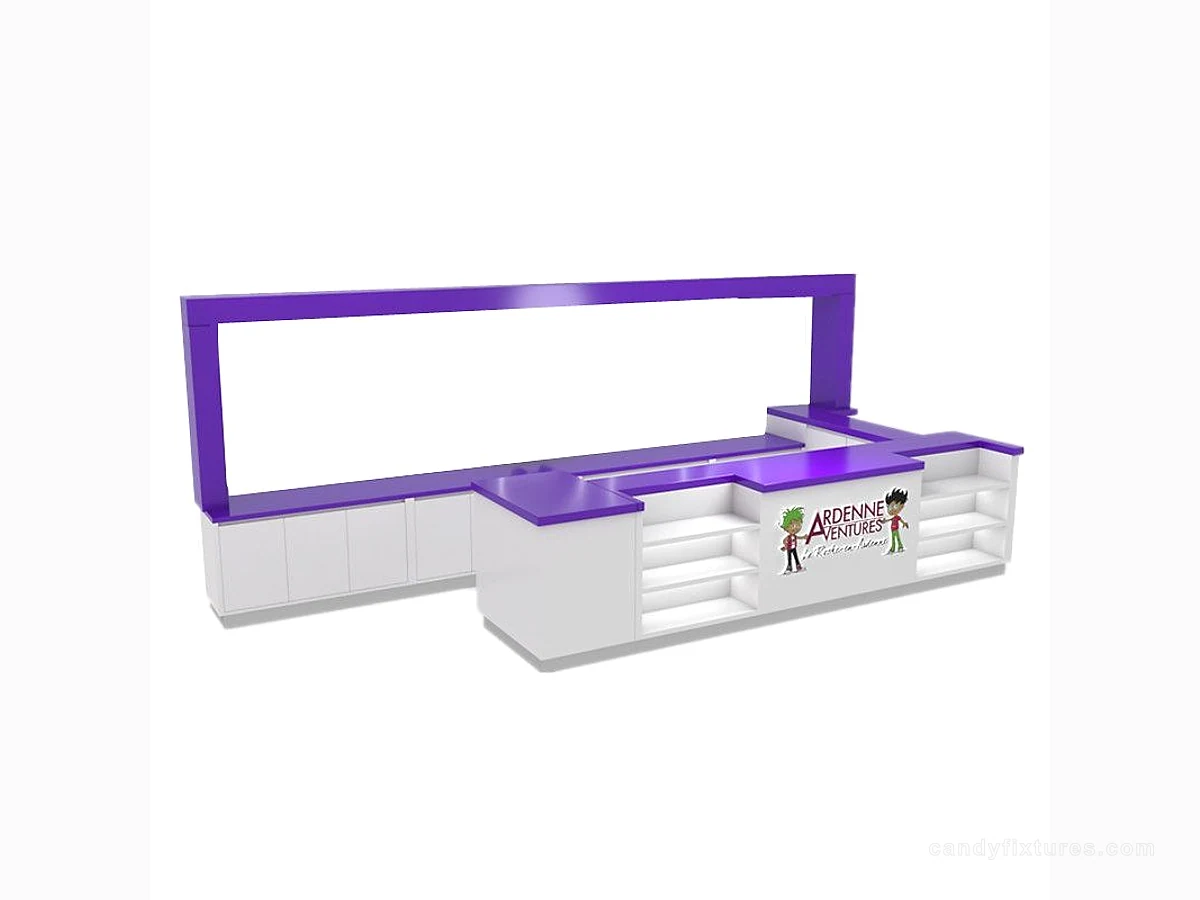
A checkout counter joins several tasks in a small area. The equipment and largest shopping bag should set the brief before the front styling.
Start with the decision
Place the terminal, till where used, scale, packaging and completed order on a measured layout. Include open drawers and a standing attendant so hidden conflicts appear before production.
Work through the details
Keep customer-facing product information separate from staff paperwork and personal order details. Any impulse display should leave a clear terminal and handover space rather than turning payment into another browsing obstacle.

A planning example
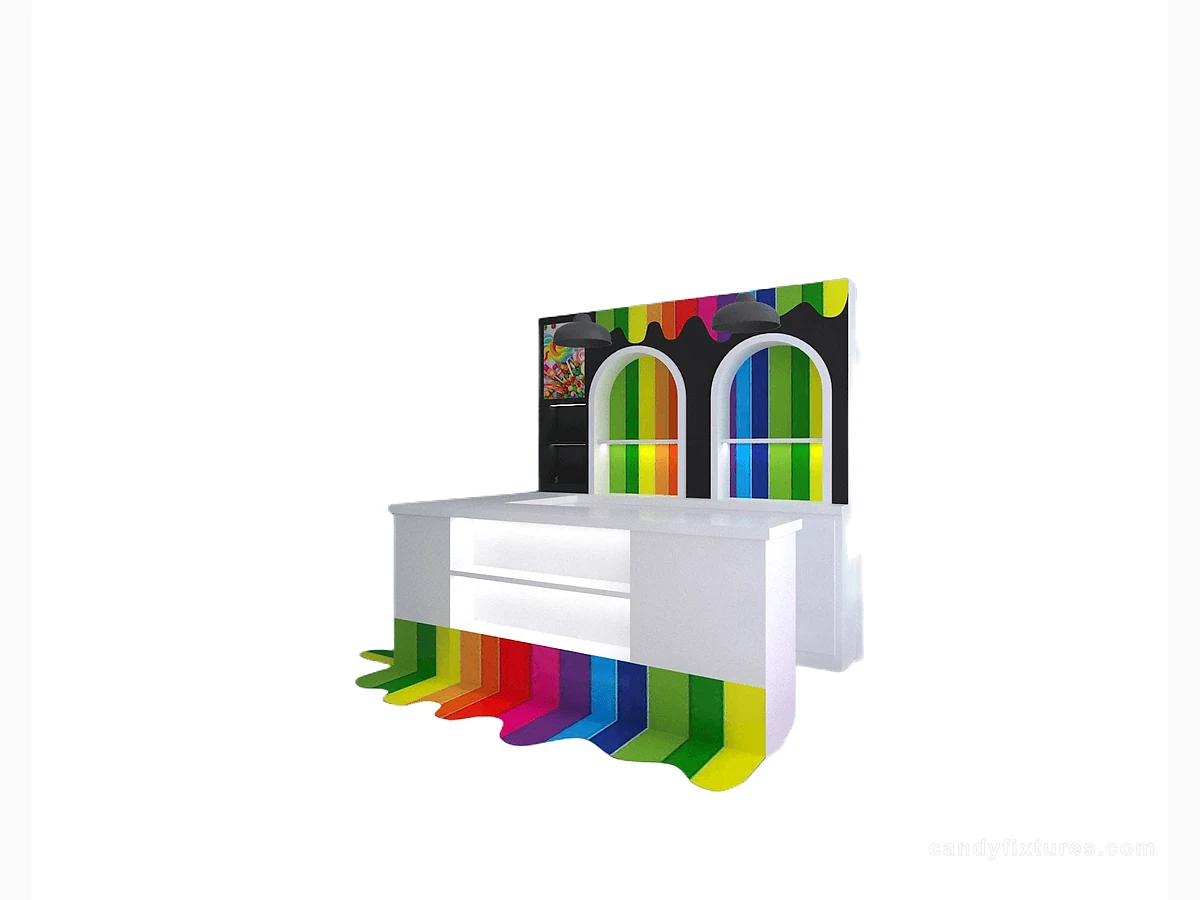
A customer pays while a second order is being packed. If the open bag covers the terminal or the finished order blocks the next handover, change the counter zoning. Measure the largest routine bag rather than assuming all transactions use a small sweet packet.
Check it in the shop
Rehearse two orders and a refill at once. Confirm service height and access requirements with the appropriate local professionals, and agree who supplies, connects and maintains the equipment.
Related products and planning pages
Purple Frame Service CounterWhite L-Shaped Checkout Counter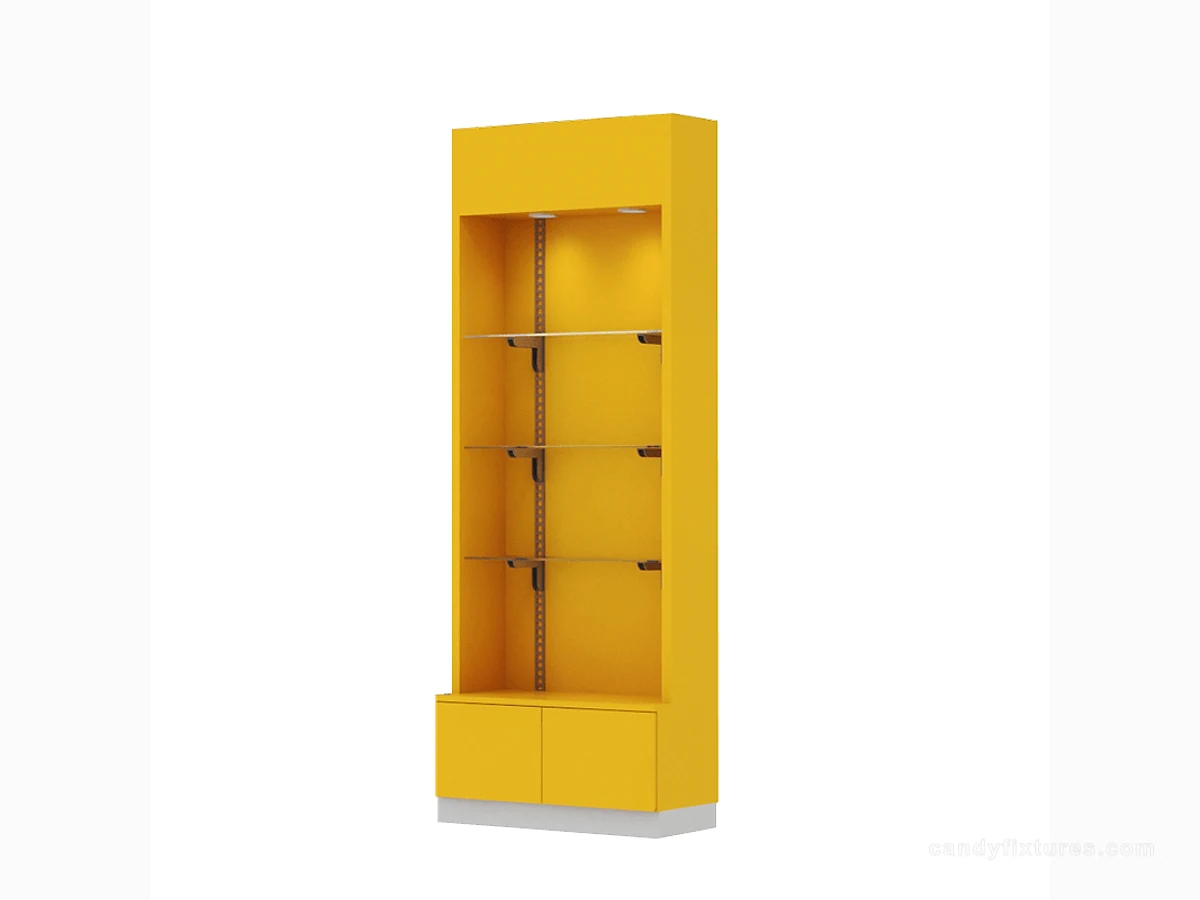 Yellow Shelf Cabinet with Clear Panels
 Layered Candy Gift Display with Base StorageCandy store layout guideCoordinate checkout with the wider customer route.Candy merchandising guideChoose products for features and everyday shelving.Candy store operations guideOrganize staff storage, refill and handover.
Frequently asked questions
Should impulse products occupy all spare checkout space?
Keep payment, packing, privacy and handover workable first. Use only the remaining space for a clearly labelled selection.
Sources and further reading
- U.S. Access Board — Clear floor spaceBackground reference retained for further reading. Check the requirements applicable to your product and location.
- U.S. Access Board — Accessible routesBackground reference retained for further reading. Check the requirements applicable to your product and location.
- FDA Food CodeBackground reference retained for further reading. Check the requirements applicable to your product and location.
Use the linked material as background. The accepted product information, equipment instructions and requirements applicable to your location determine the final operating and installation decisions.