
Candy Store Planogram: Test Facings with the Actual Packs
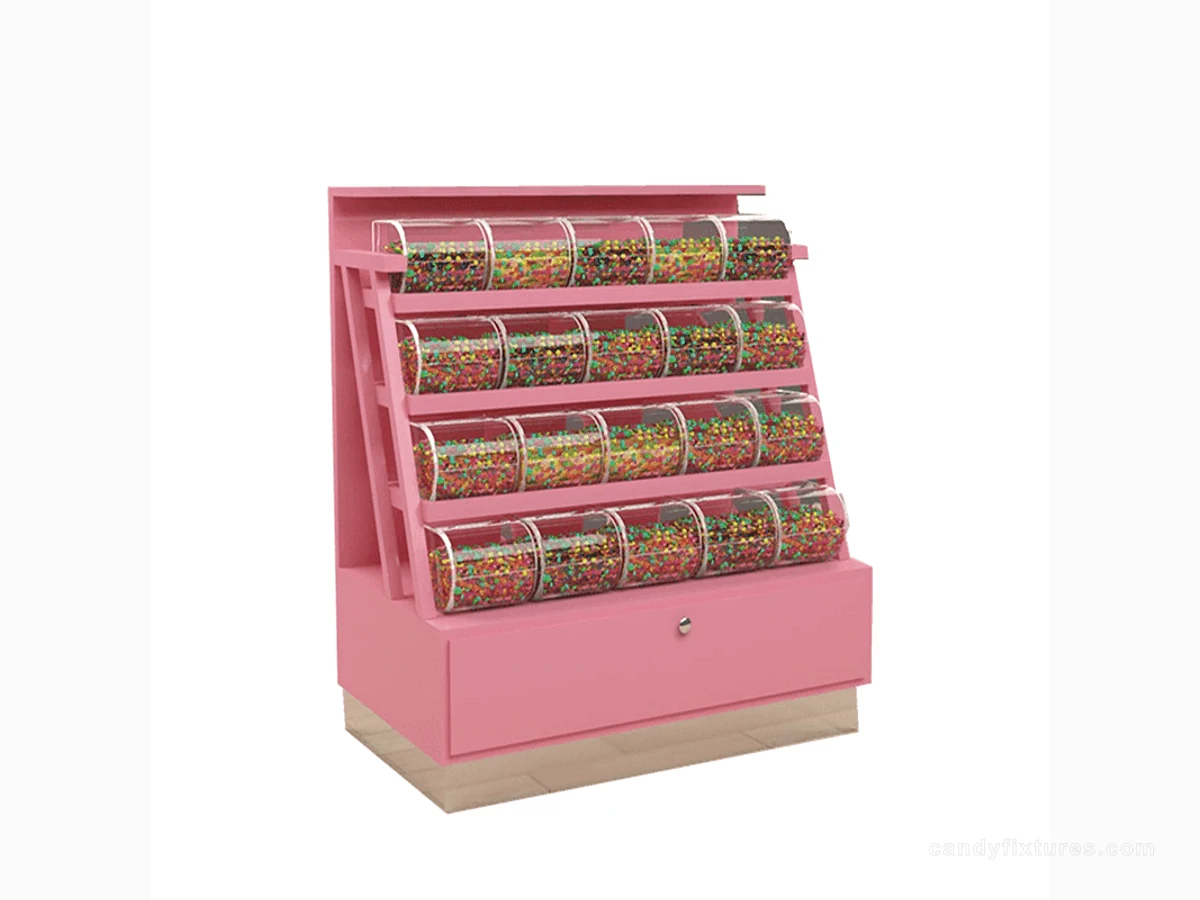
A planogram is a location and facing plan that another staff member can reproduce. A neat drawing is not enough if the pack sizes are wrong.
Start with the decision
Measure the widest, tallest and deepest packs in the range. Allocate a facing and label position for each item, and show where reserve stock is held rather than hiding it in the same diagram.
Work through the details
Build one bay and remove products as if customers had shopped it. Check whether labels remain obvious, rear stock is reachable and a refill fits without bending the packs.
A planning example
A proposed shelf holds four facings on paper, but the product's hanging tab extends beyond the assumed width. Build the bay with complete packs, including tabs and gussets. Adjust the facing plan before approving new cabinetry that would repeat the same fit problem across every module.
Check it in the shop
Photograph the approved setup and date the location map. Review it when packaging changes or an item is replaced. Keep the plan useful for replenishment rather than treating it as a permanent picture.
Related products and planning pages
Pink Back-to-Back Candy RackYellow Shelf Cabinet with Clear PanelsYellow Framed Display with Oval Opening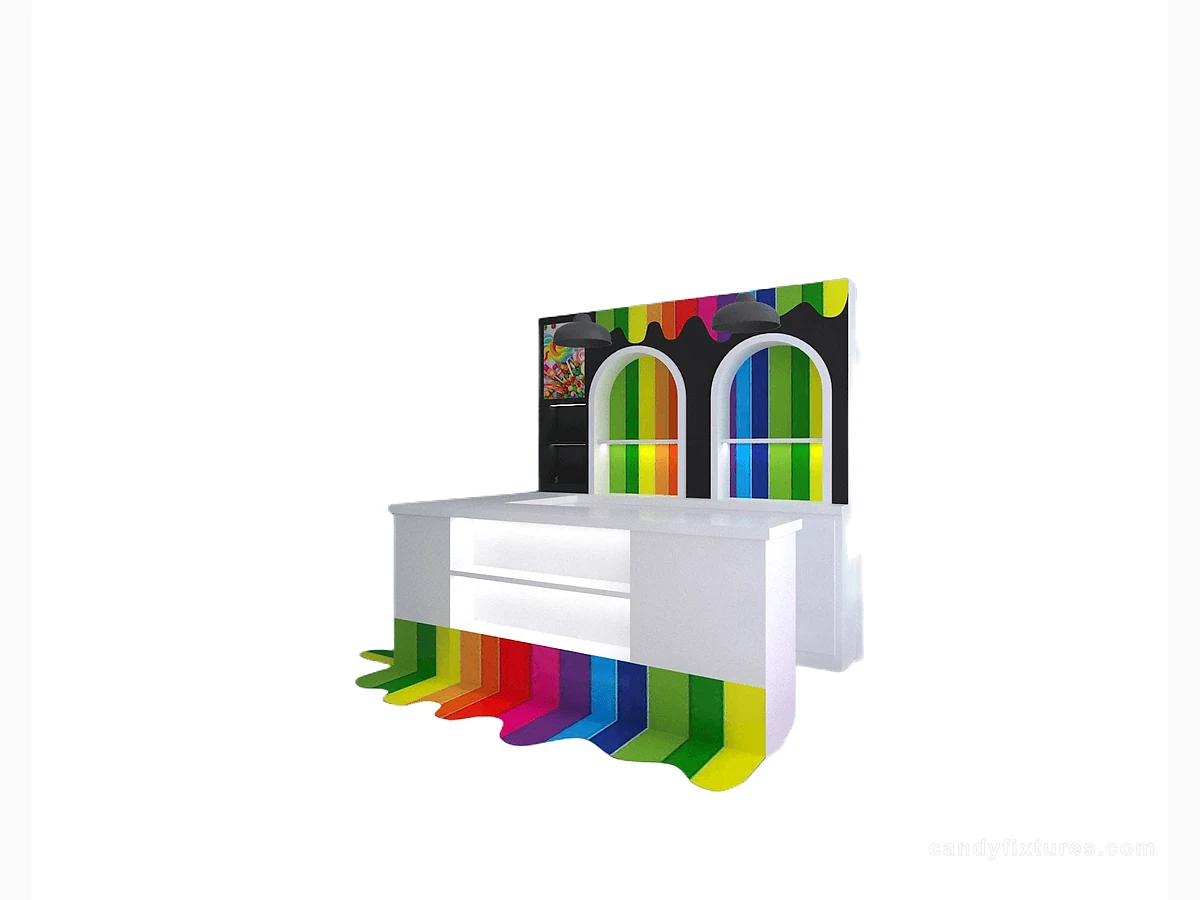 White L-Shaped Checkout CounterCandy Display CabinetsCompare cabinet formats for the approved store plan.Candy Store Price Tags: Make Selling Units, Labels and Price Changes ClearRead the complementary guide for the next planning decision.Candy Store Wall Display: Plan Shelves, Product Access and ReplenishmentRead the complementary guide for the next planning decision.Candy Store Shelf Height: Match Product Visibility, Reach and Refill AccessRead the complementary guide for the next planning decision.
Frequently asked questions
When should a planogram be revised?
Review it when pack dimensions, assortment, accessories or the service method changes, and after a trial reveals a usability problem.
Sources and further reading
- GS1 US — Barcoding basicsBackground reference retained for further reading. Check the requirements applicable to your product and location.
- FDA — Food allergiesBackground reference retained for further reading. Check the requirements applicable to your product and location.
- U.S. Access Board — New constructionBackground reference retained for further reading. Check the requirements applicable to your product and location.
Use the linked material as background. The accepted product information, equipment instructions and requirements applicable to your location determine the final operating and installation decisions.