
Candy Fixture Installation: Work from Package Labels to Handover
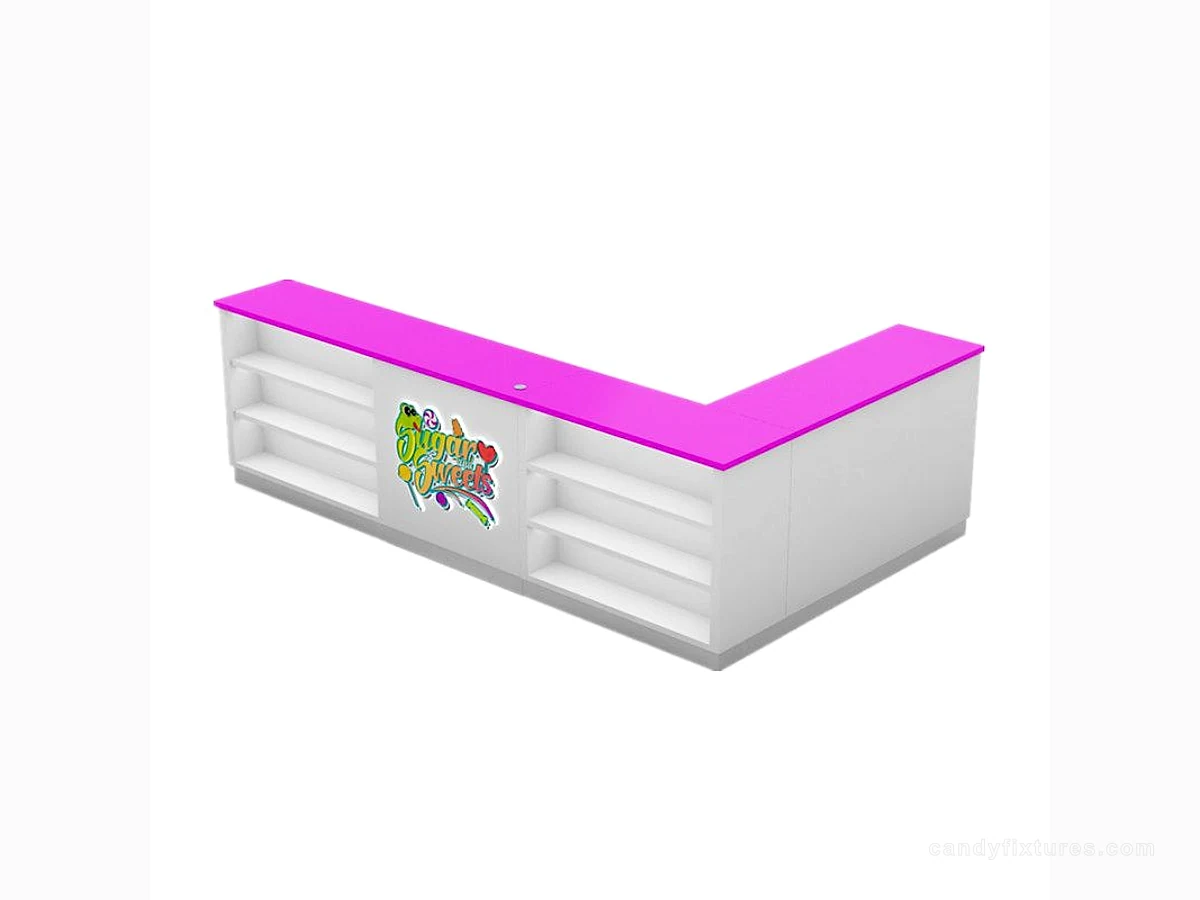
Installation begins before the first crate is opened. A numbered module schedule makes receiving and assembly easier to control.
Start with the decision
Check the delivered packages against the order and record visible damage or shortages. Keep hardware with its module and protect finished surfaces while the site is still being prepared.
Work through the details
Confirm the floor, wall and utility conditions against the approved drawings. Use the supplier's assembly instructions and qualified local trades for work that requires them; do not improvise anchors or electrical connections.
A planning example
Several crates arrive with similar curved counter panels. Module labels should link each panel and hardware pack to the plan. Unpack in the installation order and keep surfaces protected; mixing hardware first makes later checks and defect reporting harder.
Check it in the shop
At handover, inspect doors, shelves, access panels and equipment interfaces. Record unfinished items, approved loads and care instructions so the operating team receives more than a visual sign-off.
Related products and planning pages
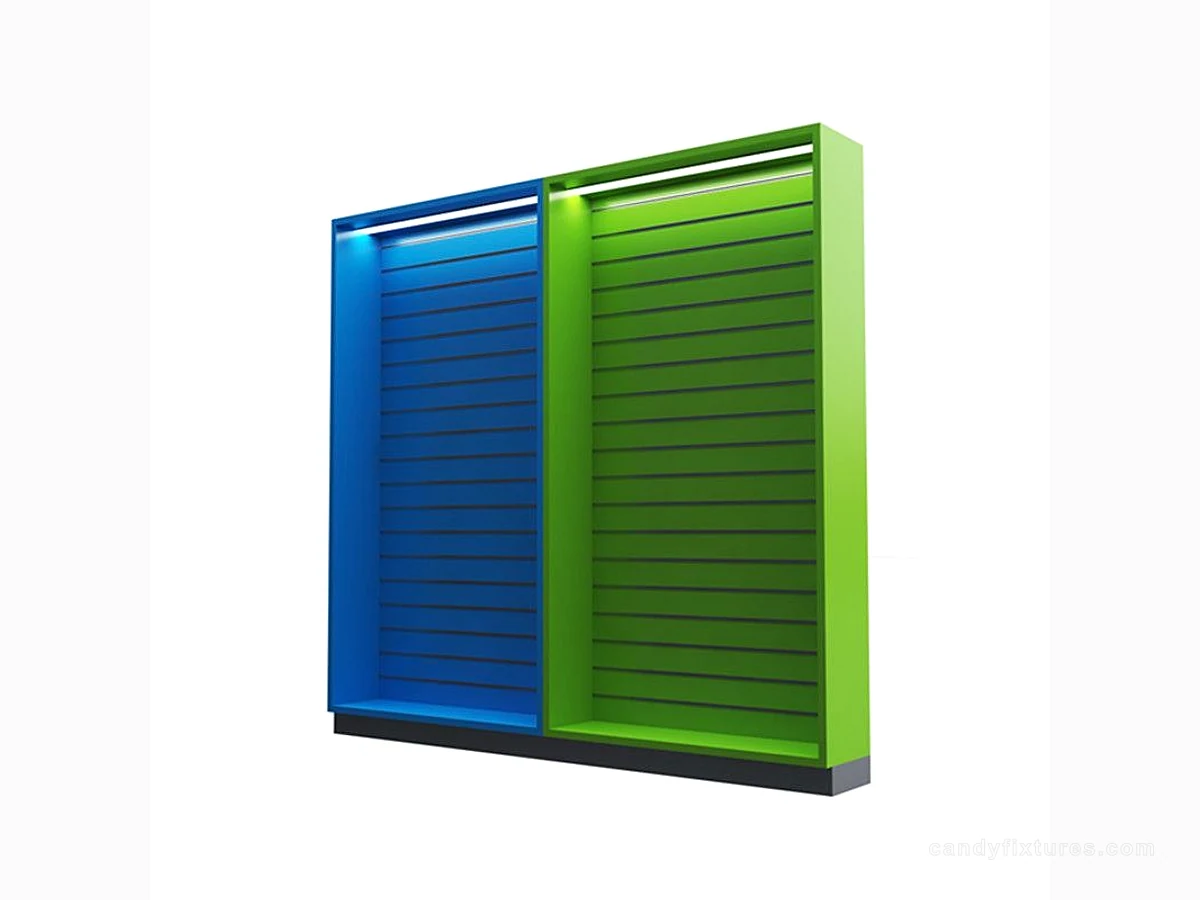
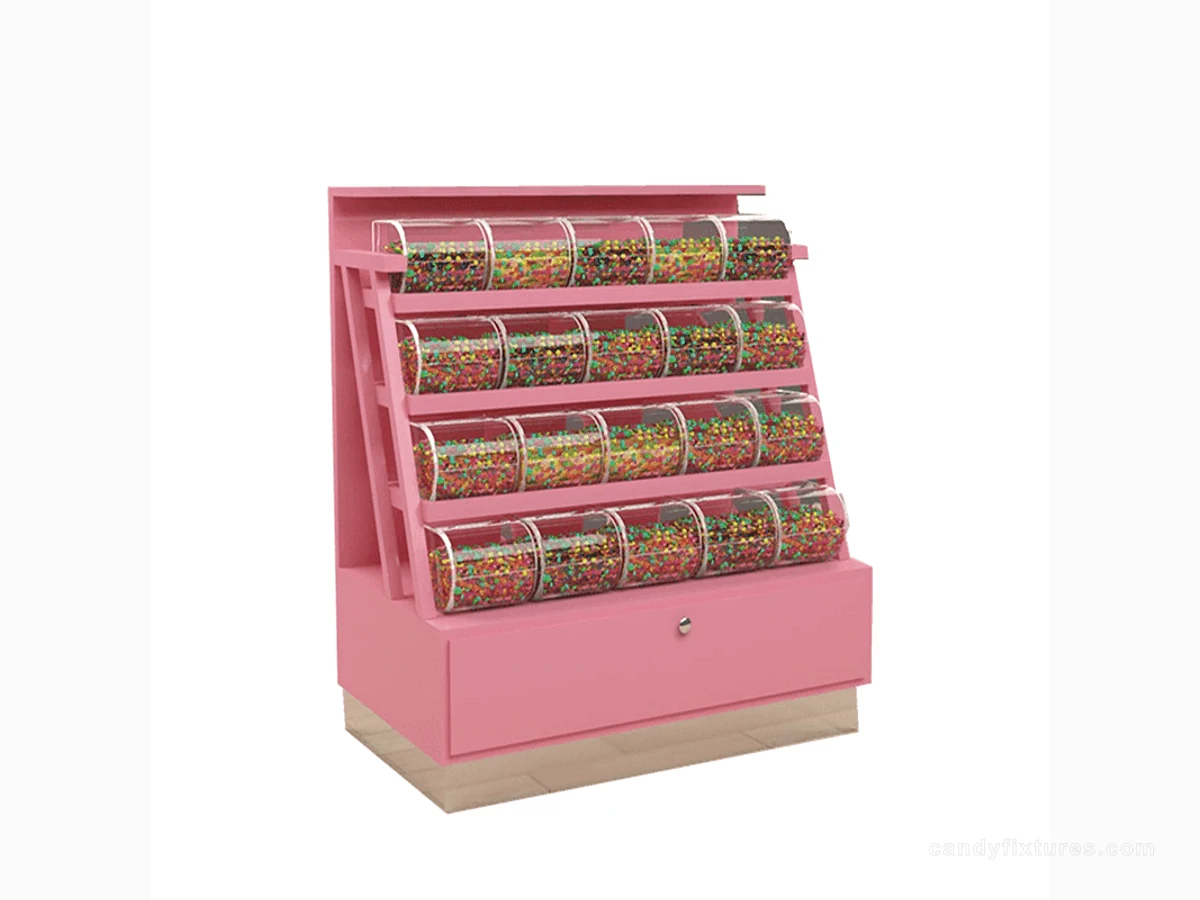
Purple Trim L-Shaped CounterColoured Slatwall Panel Display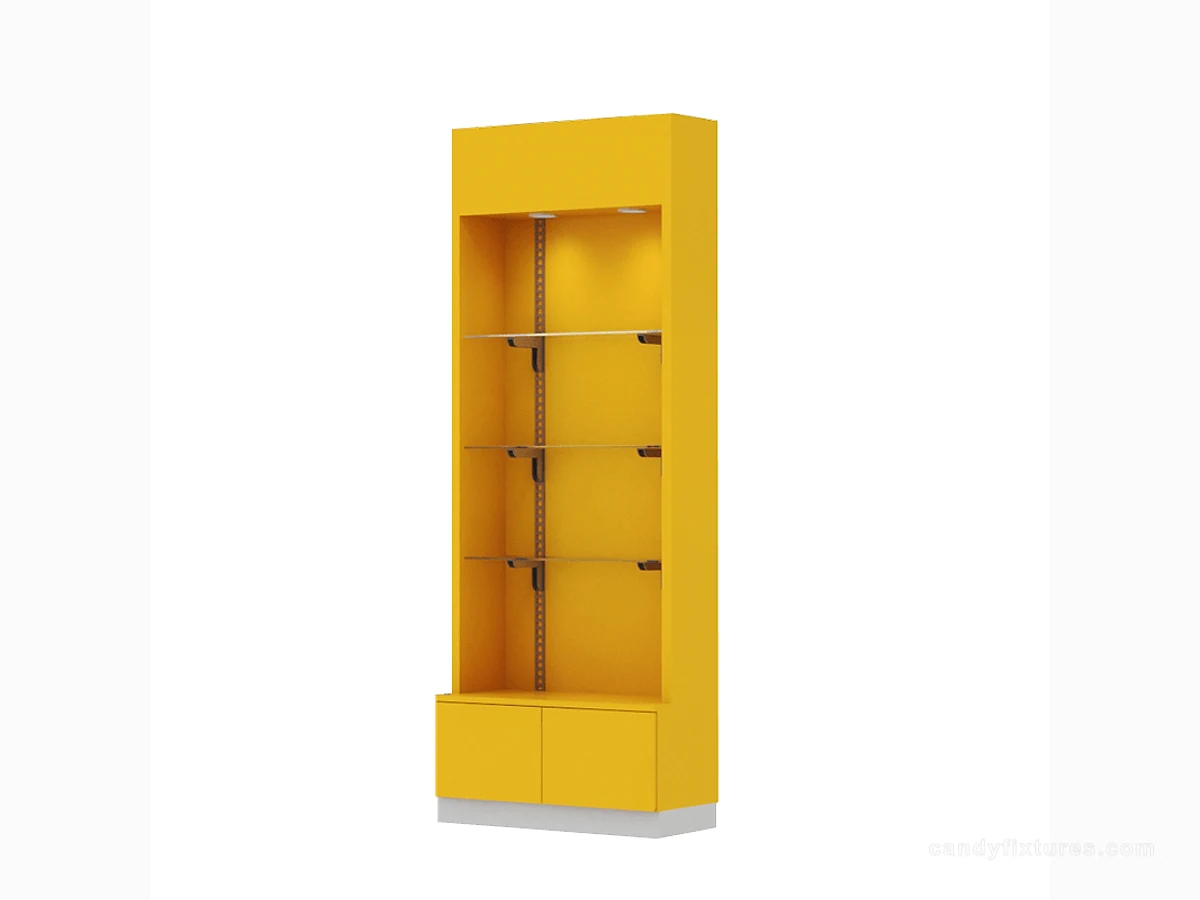 Yellow Shelf Cabinet with Clear Panels
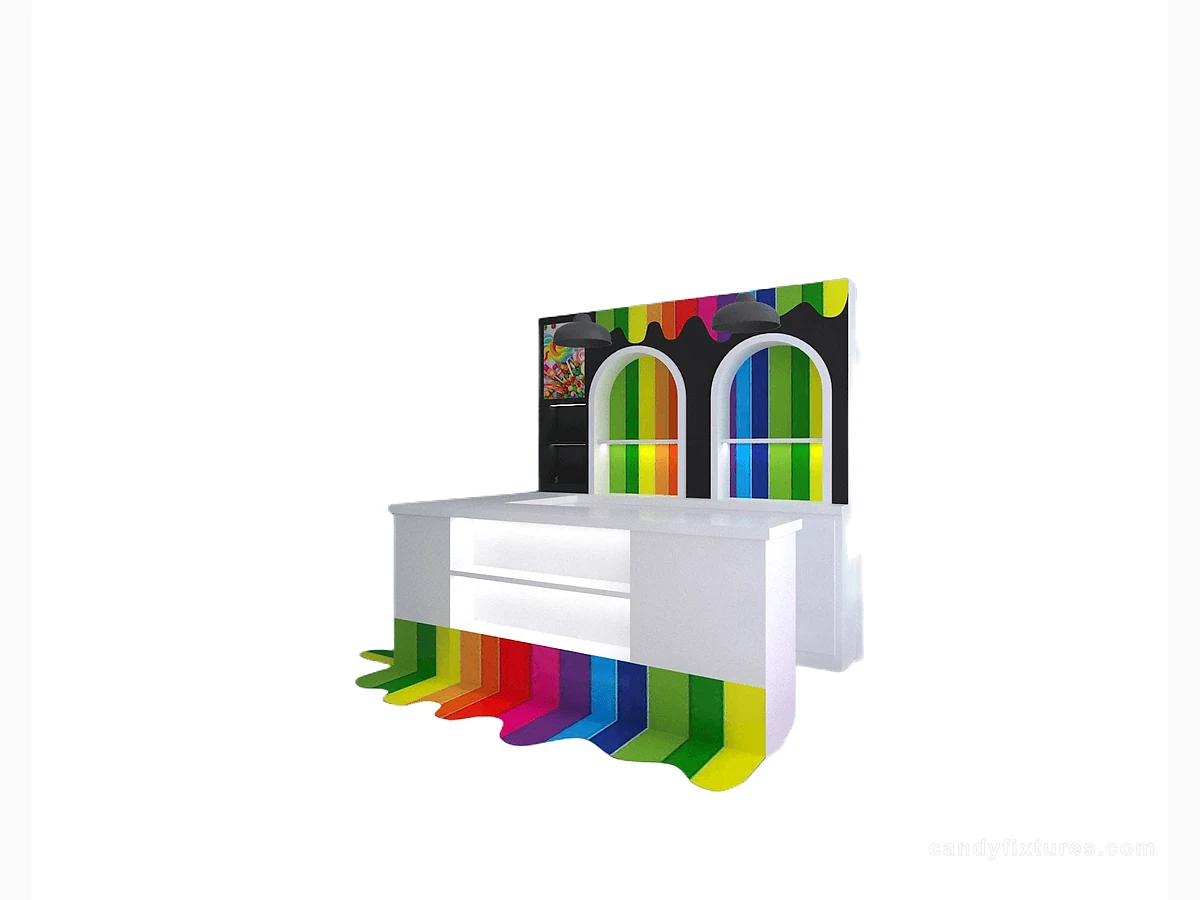 White L-Shaped Checkout CounterCandy Display CountersBrowse related fixture formats.Custom Candy Store Fixtures: From a Buyer Brief to Installation ApprovalDevelop this decision alongside the related practical guide.Candy Store Layout: How to Plan Customer Flow, Displays and Back-of-House SpaceDevelop this decision alongside the related practical guide.Candy Store Operations: Build a Simple Inventory and Replenishment RoutineDevelop this decision alongside the related practical guide.
Frequently asked questions
What belongs in the final handover record?
Record the supplied modules, completed checks, unresolved items, installation information and operating limits relevant to the actual fixtures.
Sources and further reading
- OSHA — Electrical work practicesBackground reference retained for further reading. Check the requirements applicable to your product and location.
- U.S. Access Board — Accessible routesBackground reference retained for further reading. Check the requirements applicable to your product and location.
- FDA Food CodeBackground reference retained for further reading. Check the requirements applicable to your product and location.
Use the linked material as background. The accepted product information, equipment instructions and requirements applicable to your location determine the final operating and installation decisions.