
Candy Store Colour Scheme: Approve Samples beside the Merchandise
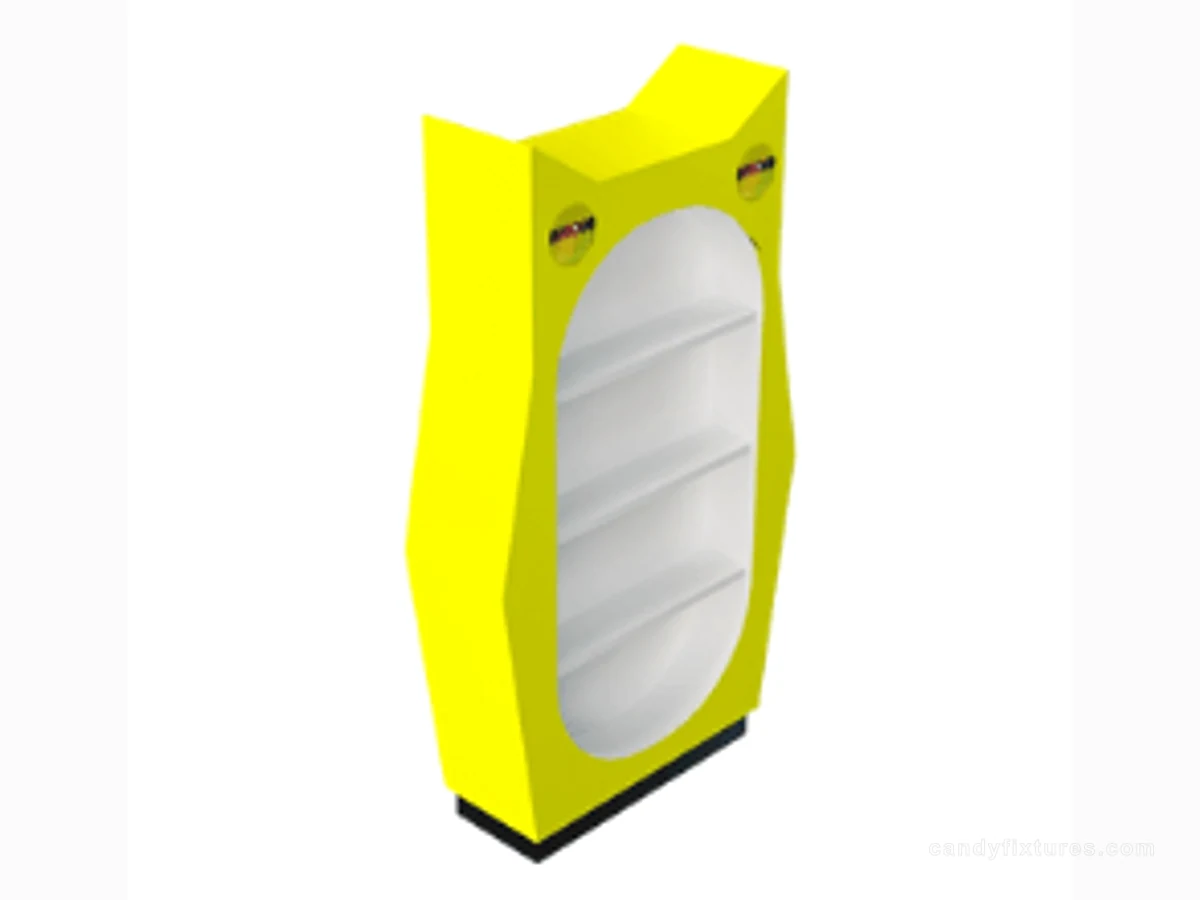
A palette can look calm on a screen and become crowded once hundreds of wrappers arrive. Approve colour with the real assortment in view.
Start with the decision
Choose one main background, a supporting surface and a limited accent. Put representative packs, a price label and finish samples together under lighting close to the intended shop conditions.
Work through the details
Check reflections, label contrast and the edges where materials meet. Keep permanent cabinetry separate from changeable campaign graphics so each new season does not require another full colour scheme.

A planning example
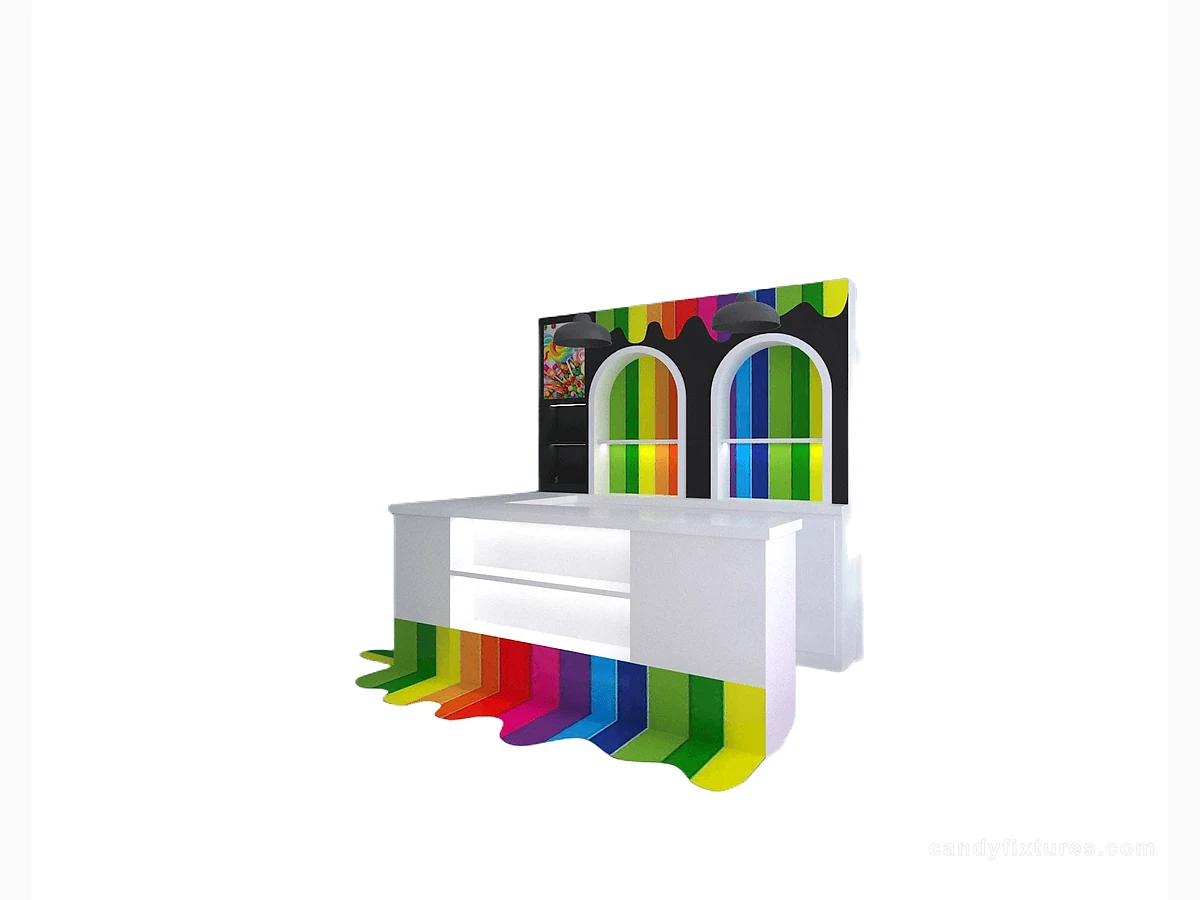
A bright pink sample works with white gift boxes but clashes with a densely printed seasonal range. Compare both product groups before approving the large wall area. A quieter base colour with removable campaign graphics may preserve the theme while reducing the number of permanent surfaces that must change.
Check it in the shop
Record the approved sample codes and their locations on the drawing. A phone photograph helps discussion but should not silently replace the agreed physical finish sample during production.
Related products and planning pages
Yellow Framed Display with Oval OpeningWhite L-Shaped Checkout CounterLayered Candy Gift Display with Base Storage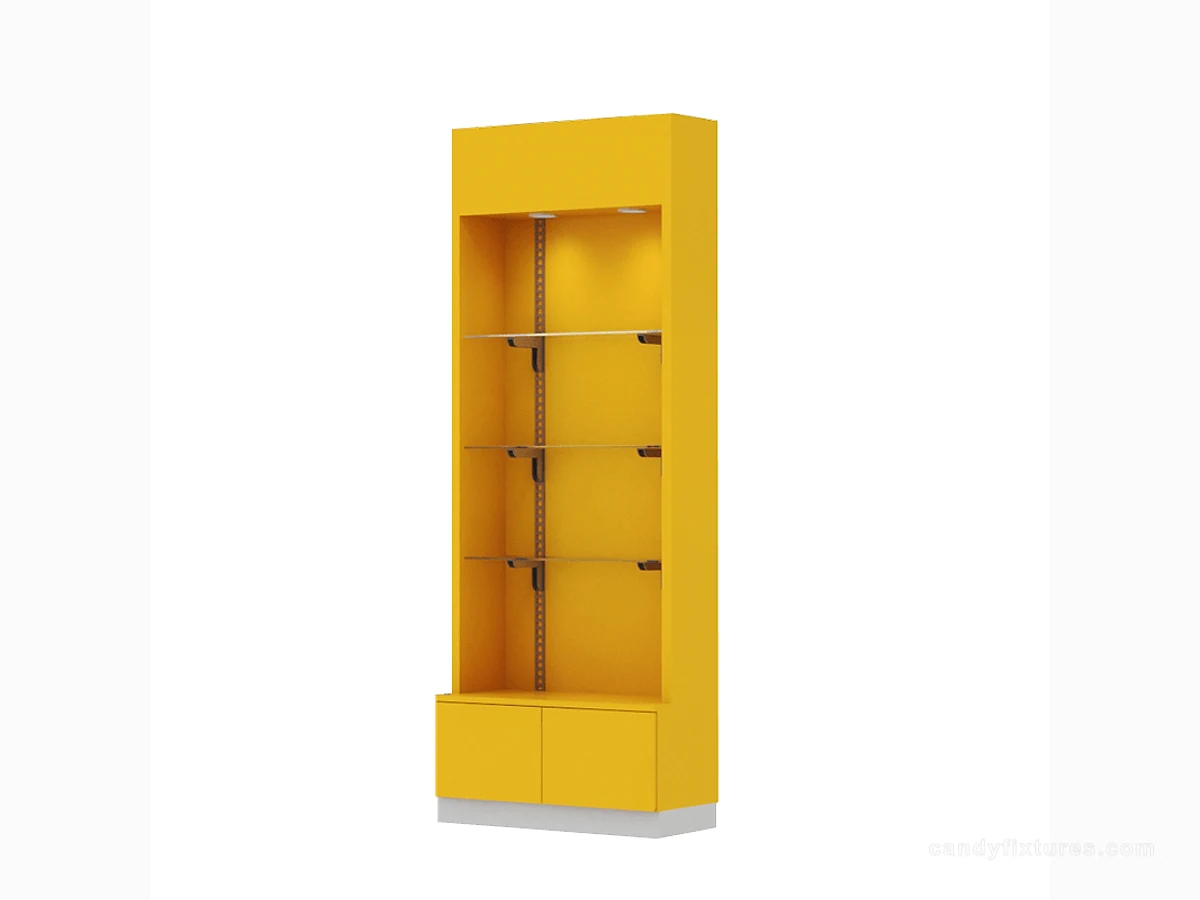 Yellow Shelf Cabinet with Clear PanelsCandy Store Design IdeasConnect the visual concept to a working store plan.Candy Store Lighting and Signage: A Practical Plan for Clearer DisplaysRead the complementary planning guide.Candy Store Price Tags: Make Selling Units, Labels and Price Changes ClearRead the complementary planning guide.Candy Store FixturesCompare fixture reference forms for your sample brief.Discuss a fixture sample briefShare the proposed palette, packaging and store plan.
Frequently asked questions
Can a digital colour code replace finish approval?
It helps identify a direction, but the actual substrate, sheen, lighting and sample appearance still need agreement.
Sources and further reading
- FDA — Retail Food ProtectionBackground reference retained for further reading. Check the requirements applicable to your product and location.
- FDA — Food AllergiesBackground reference retained for further reading. Check the requirements applicable to your product and location.
- U.S. Department of Justice — 2010 ADA StandardsBackground reference retained for further reading. Check the requirements applicable to your product and location.
Use the linked material as background. The accepted product information, equipment instructions and requirements applicable to your location determine the final operating and installation decisions.