
Candy Store Grand Opening: Separate Readiness from Promotion
Promotion brings people to a shop; readiness determines whether the shop can serve them. Keep the opening decision tied to completed checks.
Start with the decision
List the approvals, utilities, equipment, fixture installation and stock tasks required for your location. Give each item an owner and evidence of completion rather than a hopeful date.
Work through the details
Rehearse opening, serving several customers, refilling and closing with the actual staff. Include order errors, a missing label and a product hold. Record problems that must be resolved before inviting a larger audience.
A planning example
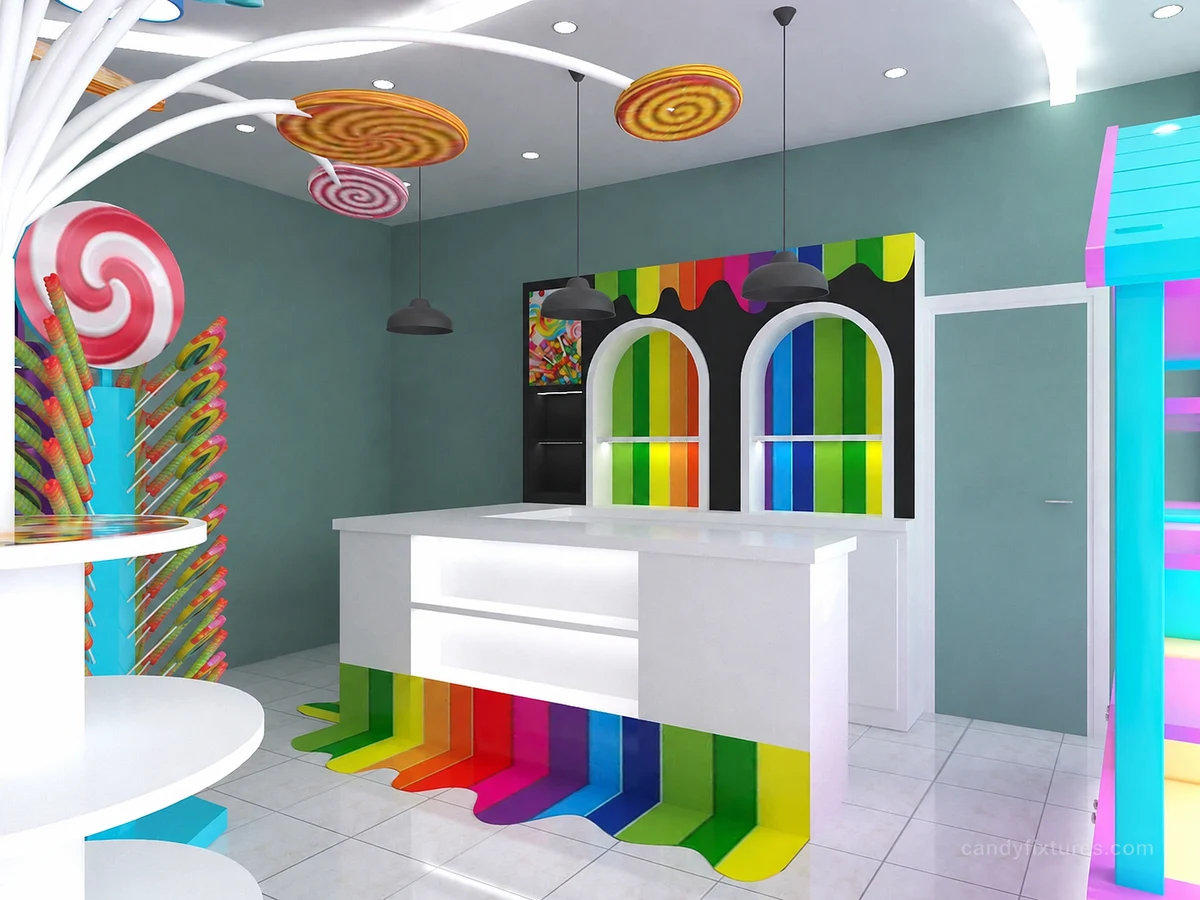
A sign is ready and stock has arrived, but one counter's electrical work is unfinished. Keep that item visible in the readiness review and have the responsible installer resolve it. A promotional commitment should not be treated as evidence that the shop is operationally ready.
Check it in the shop
Set a modest event scope that the team can operate. Do not use a promised launch date to override unresolved building, equipment or product requirements. Keep the first day's observations for the next layout review.
Related products and planning pages
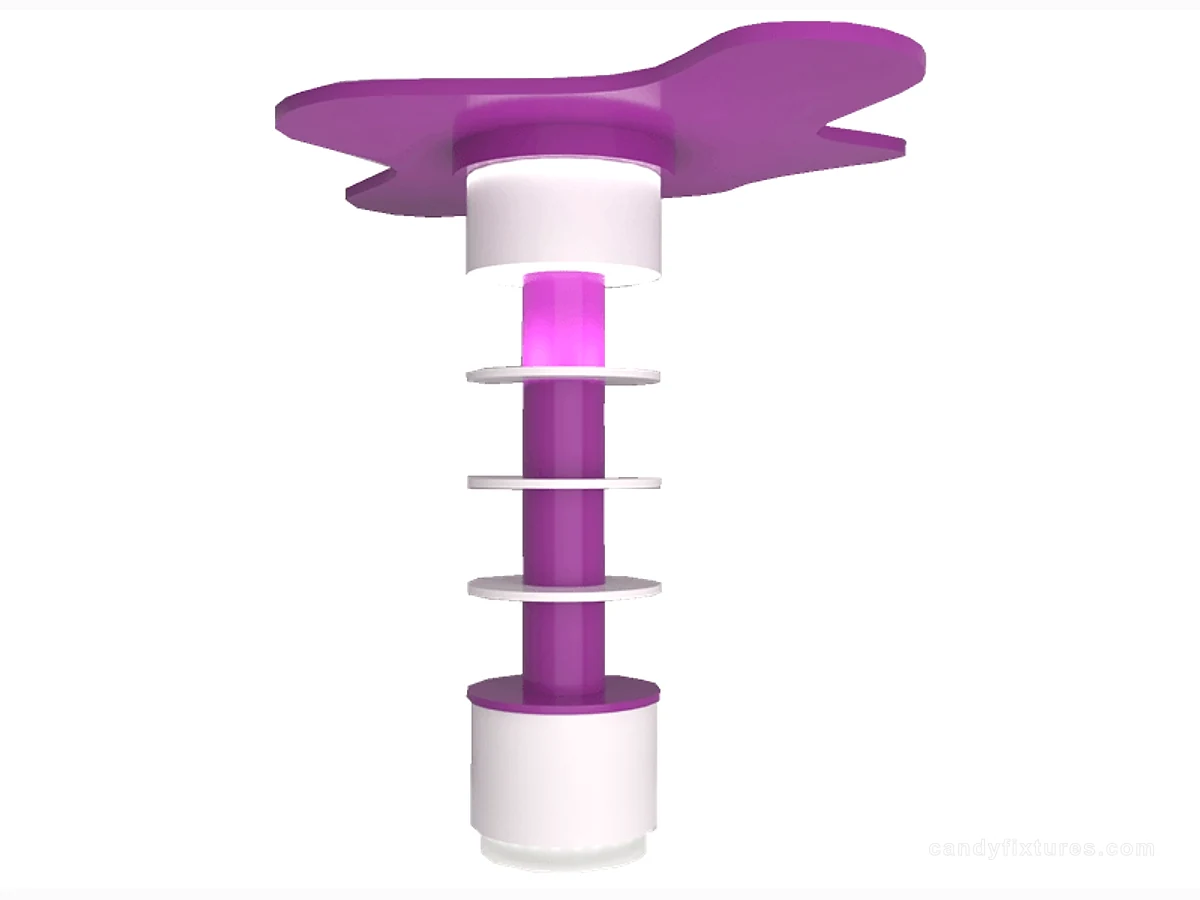
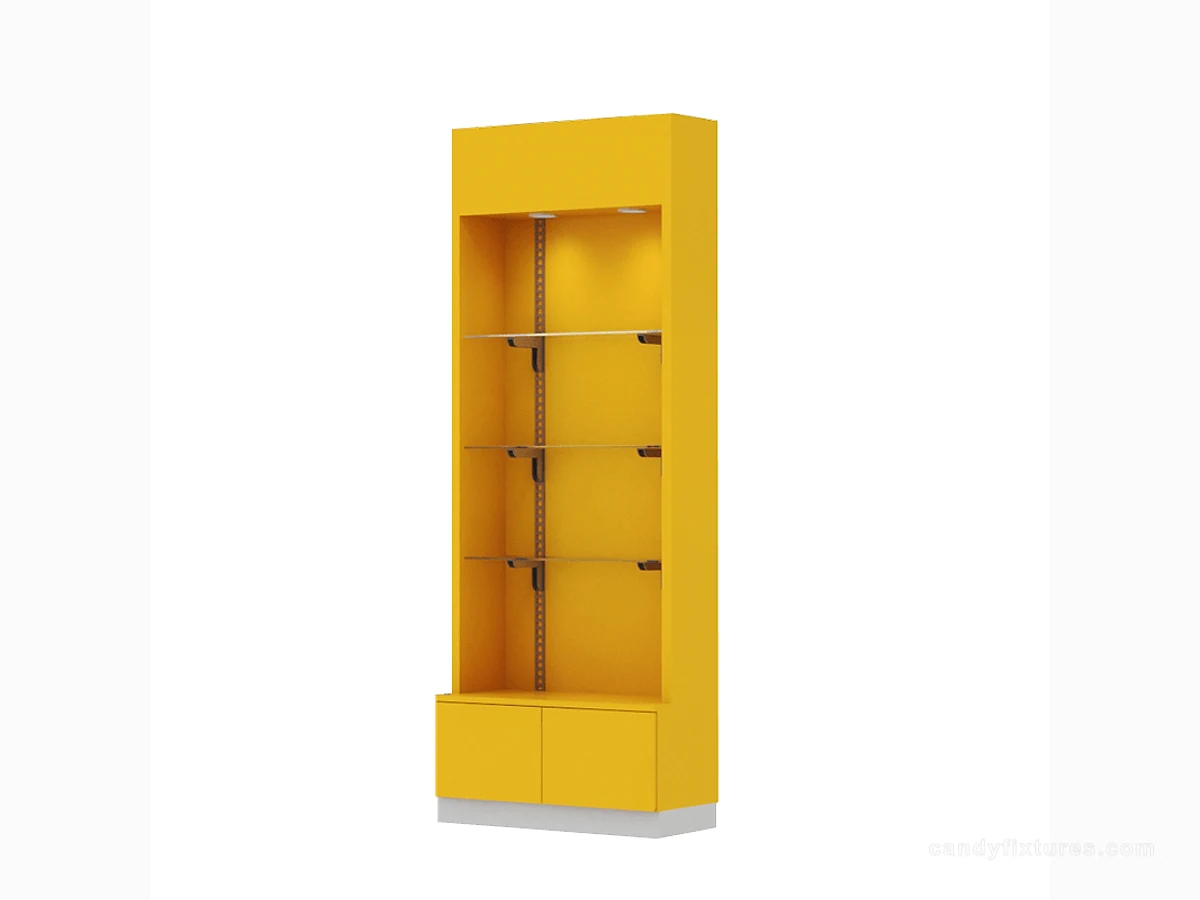
Round Candy Tower with Top Feature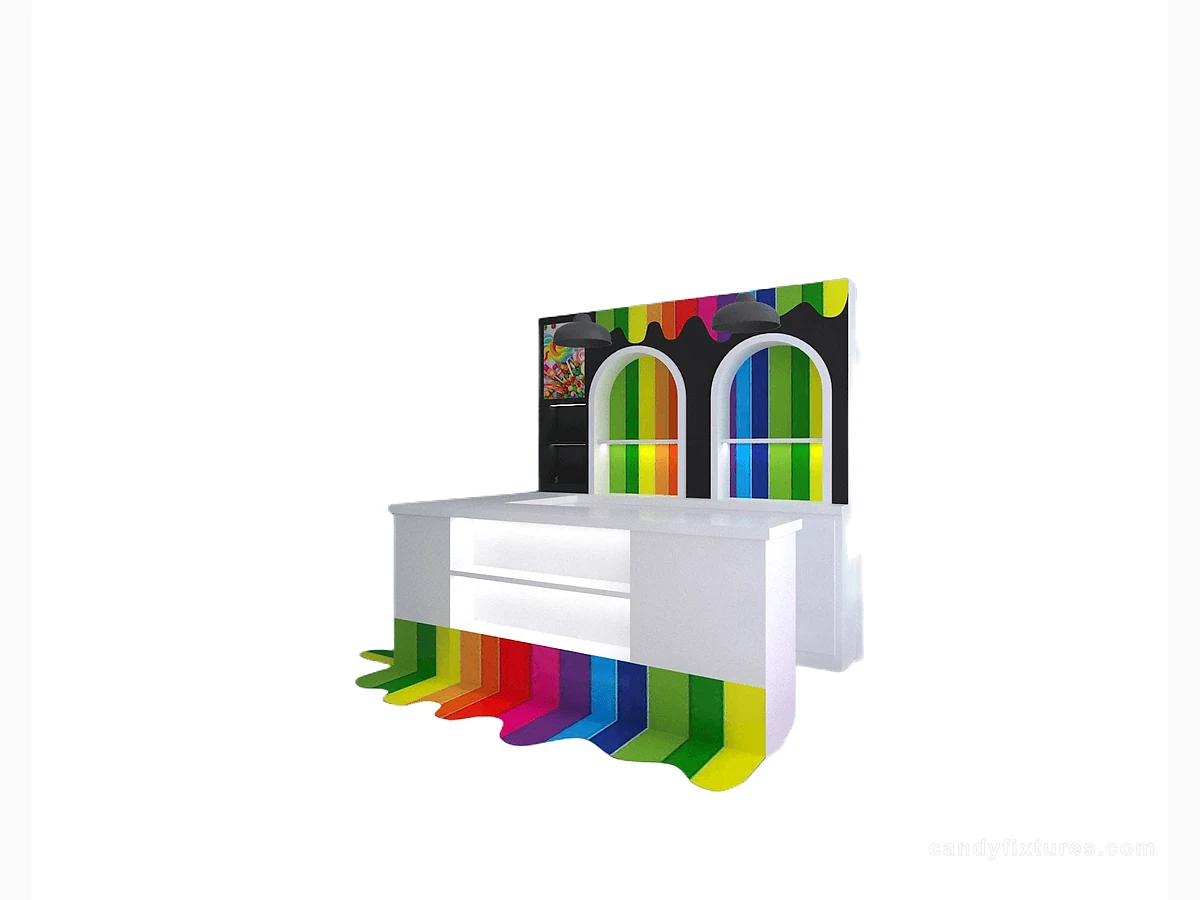 White L-Shaped Checkout CounterYellow Shelf Cabinet with Clear Panels
 Layered Candy Gift Display with Base StorageHow to Open a Candy Store: A Practical Plan for First-Time OwnersContinue with the complementary planning guide.Candy Store Marketing Ideas: Plan a Grand Opening and Repeat VisitsContinue with the complementary planning guide.Candy Store Queue Design: Plan Joining, Waiting and CollectionContinue with the complementary planning guide.Candy Store FixturesCompare fixture formats for the approved opening arrangement.
Frequently asked questions
Does a finished store rendering confirm opening readiness?
No. Physical installation, equipment checks, staff practice and the required local approvals need their own evidence.
Sources and further reading
- Federal Trade Commission — Guides Against Deceptive PricingBackground reference retained for further reading. Check the requirements applicable to your product and location.
- U.S. Access Board — 2010 ADA Standards for Accessible DesignBackground reference retained for further reading. Check the requirements applicable to your product and location.
- U.S. FDA — Retail Food ProtectionBackground reference retained for further reading. Check the requirements applicable to your product and location.
Use the linked material as background. The accepted product information, equipment instructions and requirements applicable to your location determine the final operating and installation decisions.