
Candy Cart for Events: Check Transport, Setup and Service Separately
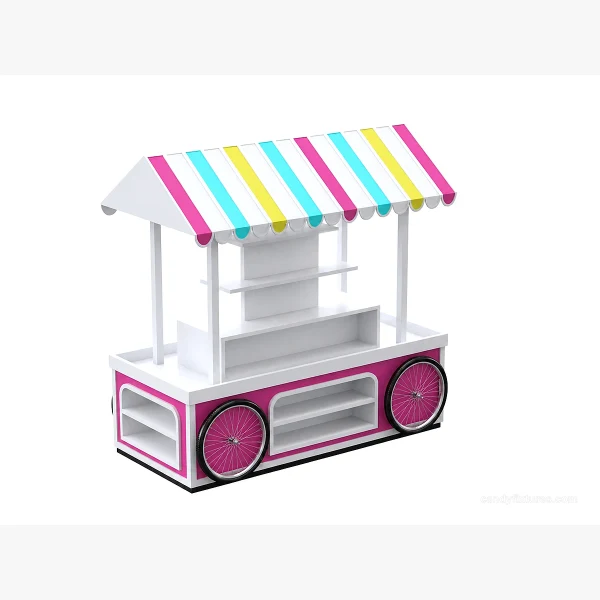
An event cart has to travel, be set up and then operate as a counter. Those three states need different space and handling decisions.
Start with the decision
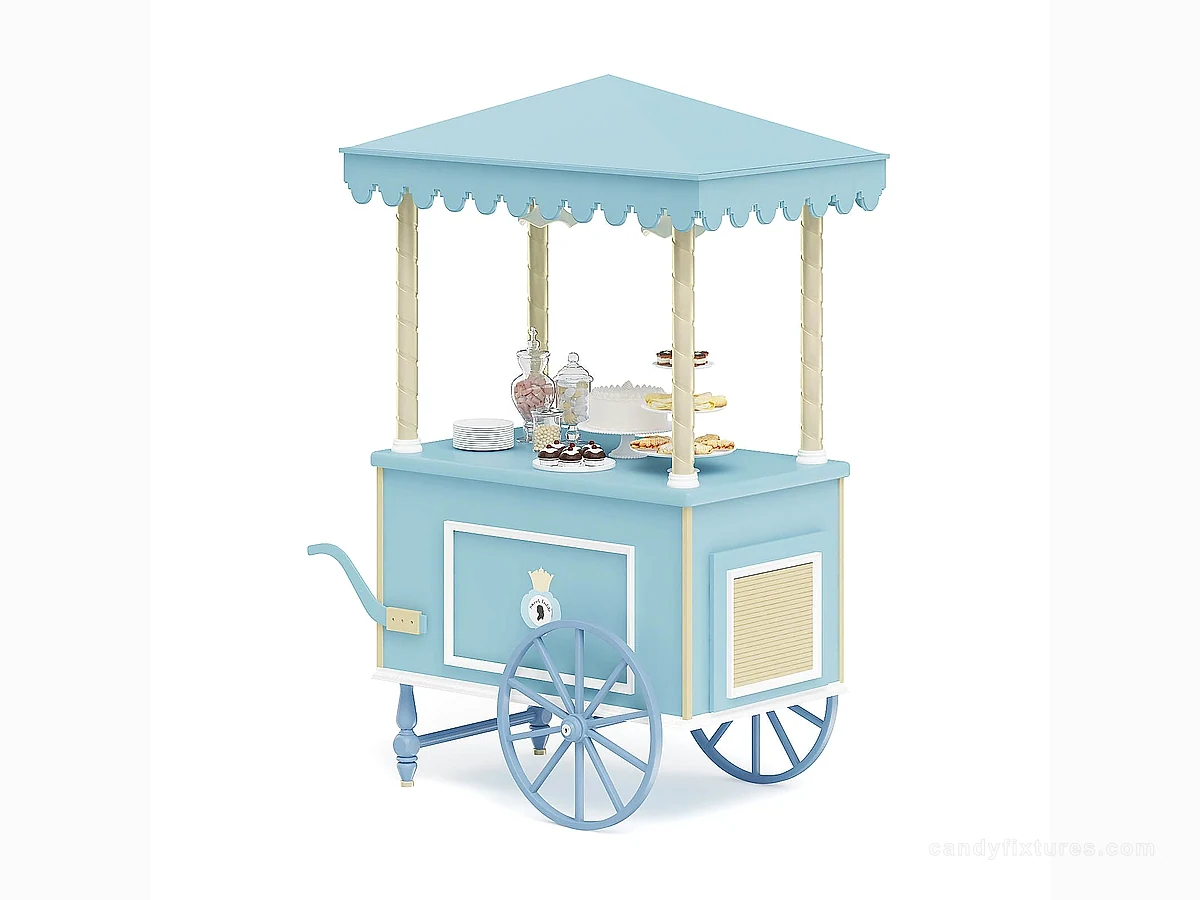
Measure vehicle openings, ramps, lifts and the final pitch. Confirm which canopy or decorative parts detach and how loose containers and signs are secured during movement.
Work through the details
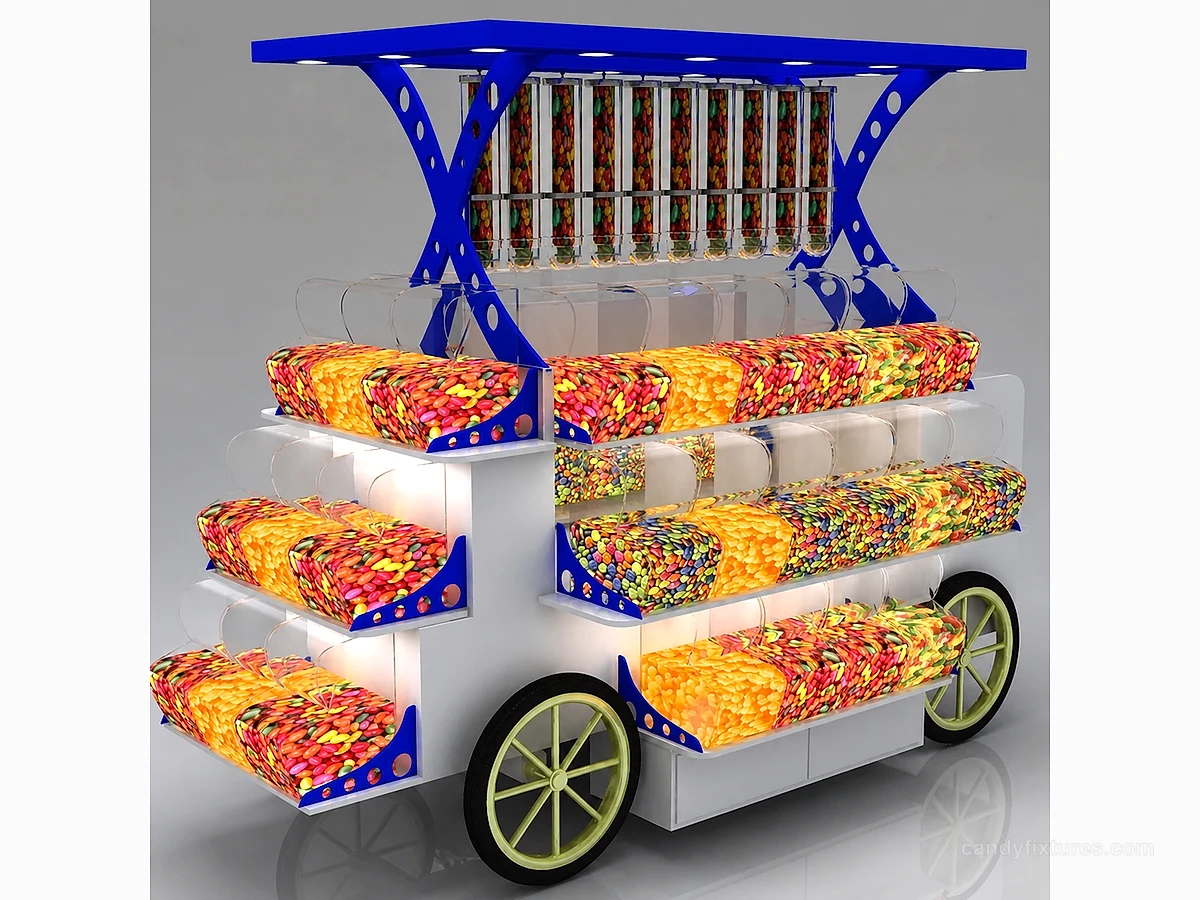
On the event plan, show the parked cart, operator, customer queue and stock reserve. Obtain the appropriate load, braking and ground-surface requirements for the supplied version.
A planning example
A cart canopy clears the event entrance but not the transport vehicle. Agree a removable arrangement and a packing place for its hardware. Confirm that the person setting up the event can identify and reinstall the parts using the supplier's instructions.
Check it in the shop
Rehearse setup with the actual team and assortment. Follow local food and event requirements, identify power responsibilities where relevant and leave time to inspect the unit before service begins.
Related products and planning pages
White Cart with Multicolour CanopyBlue Canopy Candy Cart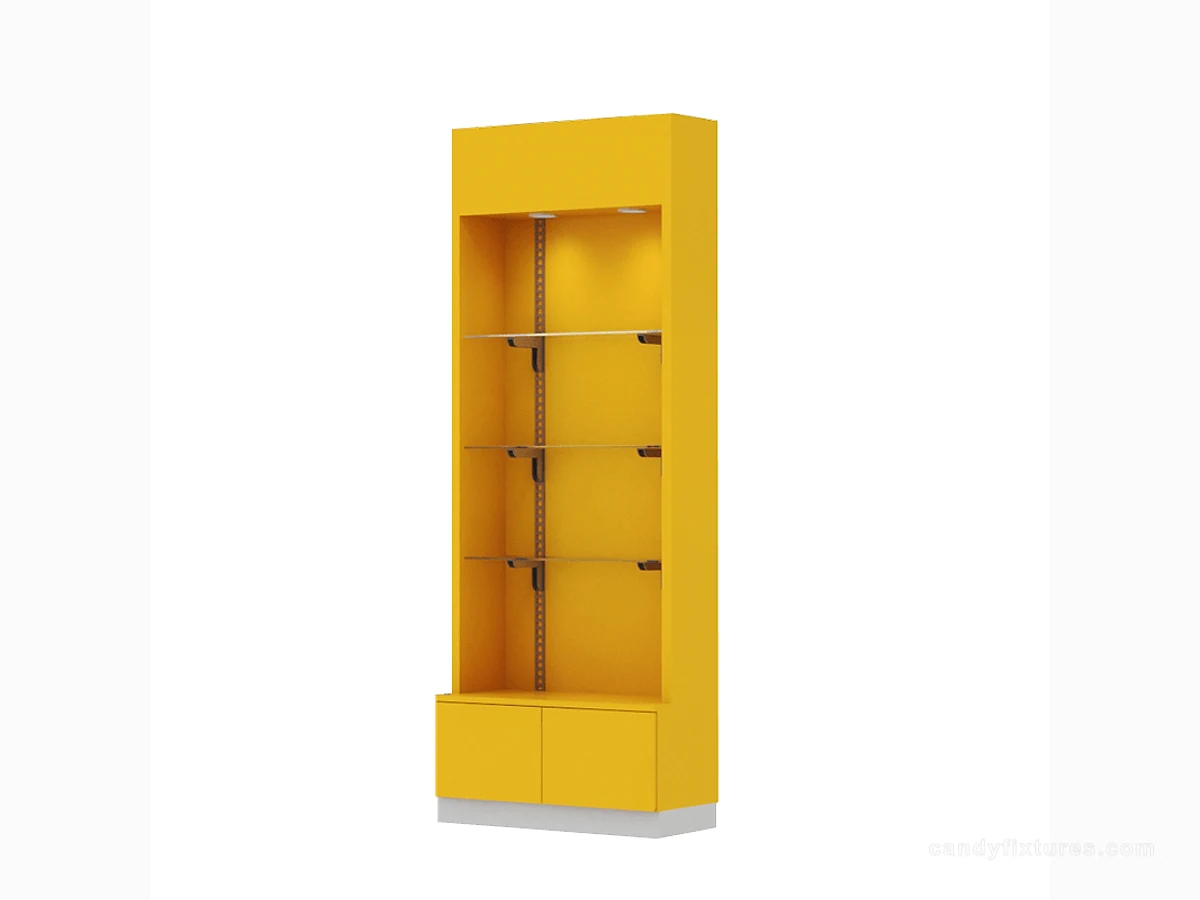 Yellow Shelf Cabinet with Clear Panels
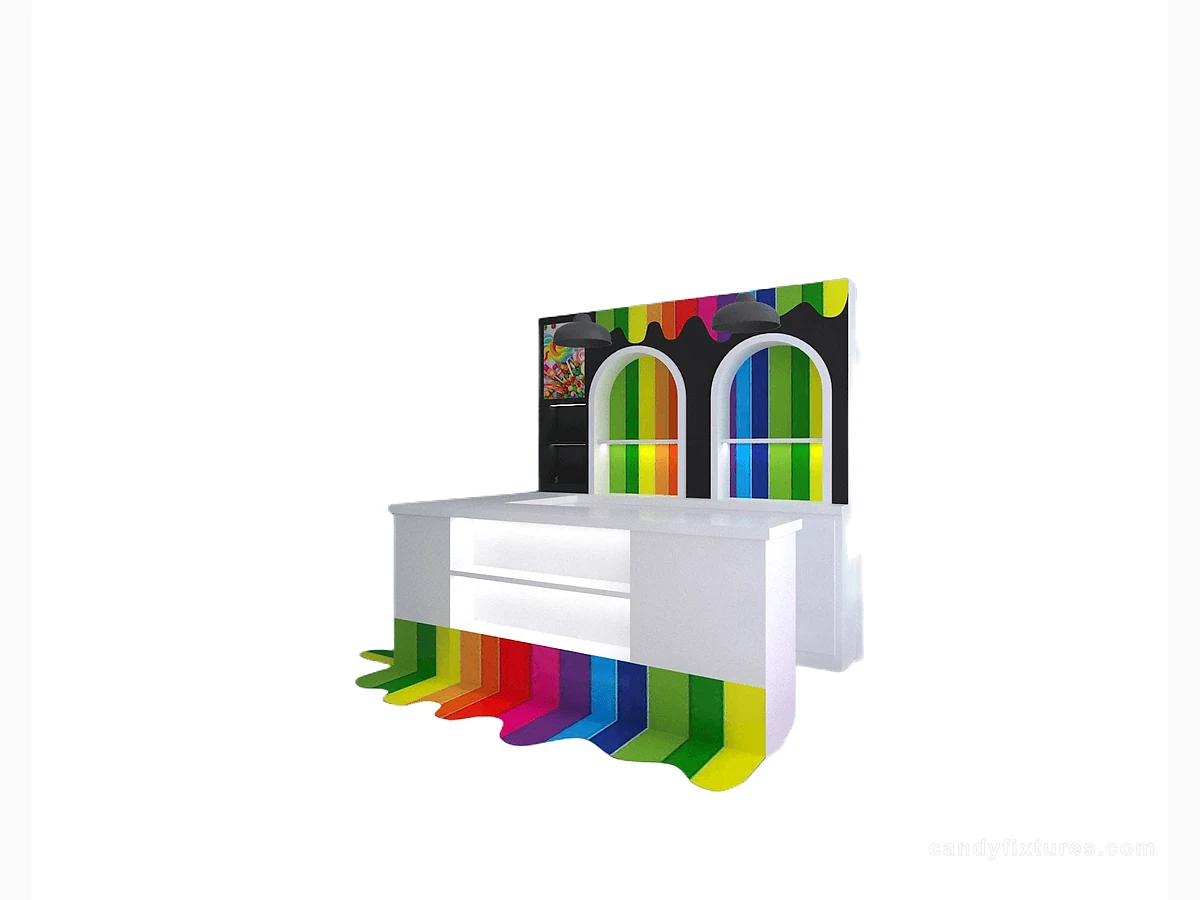 White L-Shaped Checkout CounterCandy cart collectionCompare existing cart designs before preparing your brief.Custom fixture buying guideBuild a drawing, sample and delivery approval process.Candy operations guidePlan stock, refilling and staff responsibilities.Food-safe display guideReview the actual contact surfaces and cleaning routine.
Frequently asked questions
Are large decorative wheels proof that a cart can be moved while loaded?
No. Confirm the actual movement hardware, load conditions, brakes and permitted ground surface.
Sources and further reading
- FDA — Have Food Allergies? Read the LabelBackground reference retained for further reading. Check the requirements applicable to your product and location.
- FDA Food CodeBackground reference retained for further reading. Check the requirements applicable to your product and location.
- U.S. Access Board — Accessible routesBackground reference retained for further reading. Check the requirements applicable to your product and location.
Use the linked material as background. The accepted product information, equipment instructions and requirements applicable to your location determine the final operating and installation decisions.